
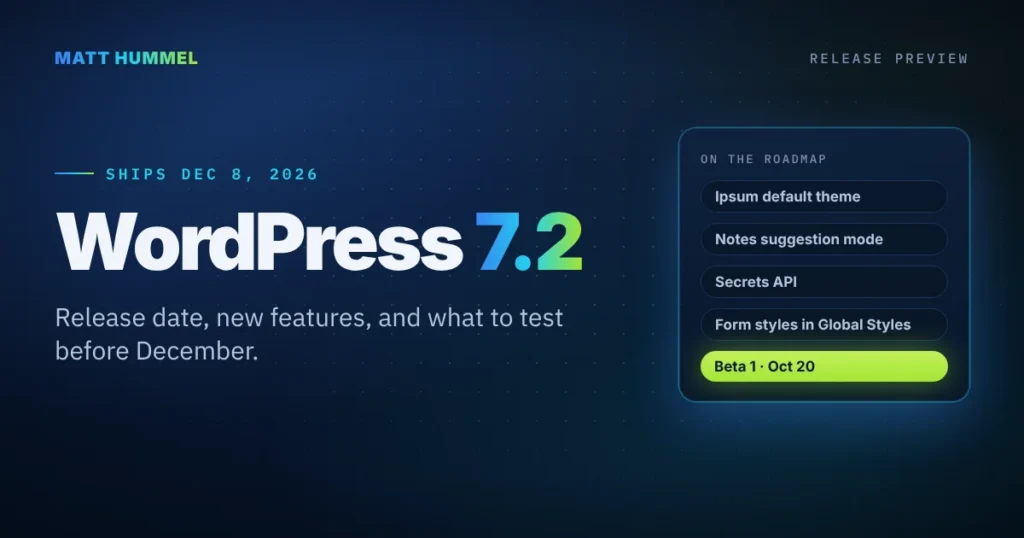
WordPress 7.2 is scheduled to ship on December 8, 2026. Beta 1 lands October 20, and the first release candidate follows on November 17. The big items on the roadmap are a new default theme called Ipsum, a suggestion mode for Notes, a Secrets API for storing credentials, and form styling in Global Styles.
Heads up: nothing here is locked until RC1. The core team ships roadmap items only if they’re “reasonably ready.” I’ll update this post as each beta comes out.
WordPress 7.2 at a glance
Dates
- Beta 1: October 20
- RC 1: November 17
- Release: December 8
Headline features
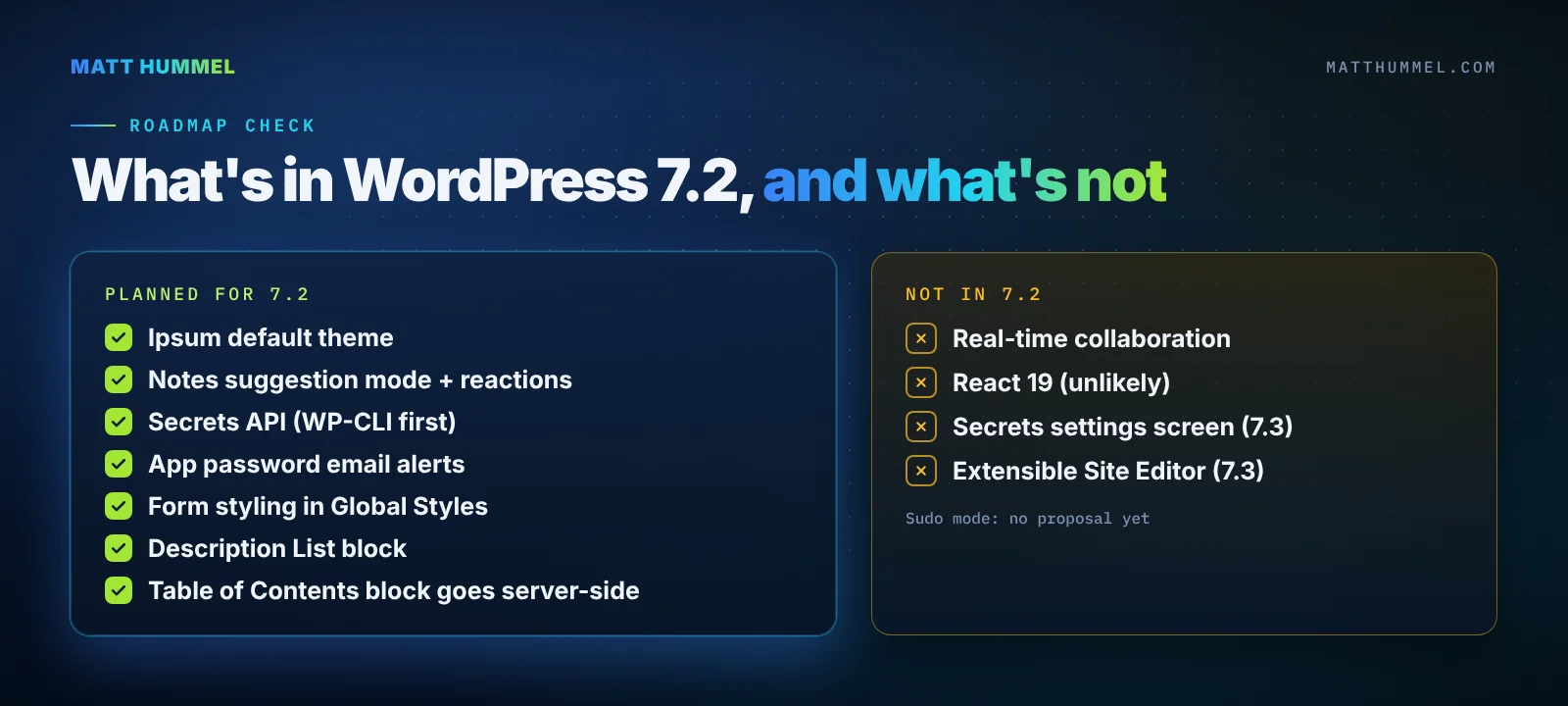
- Ipsum default theme
- Notes suggestion mode
- Secrets API
- Form styles in Global Styles
Not this time
- Real-time collaboration
- React 19, most likely
- Secrets settings screen
When is WordPress 7.2 coming out?
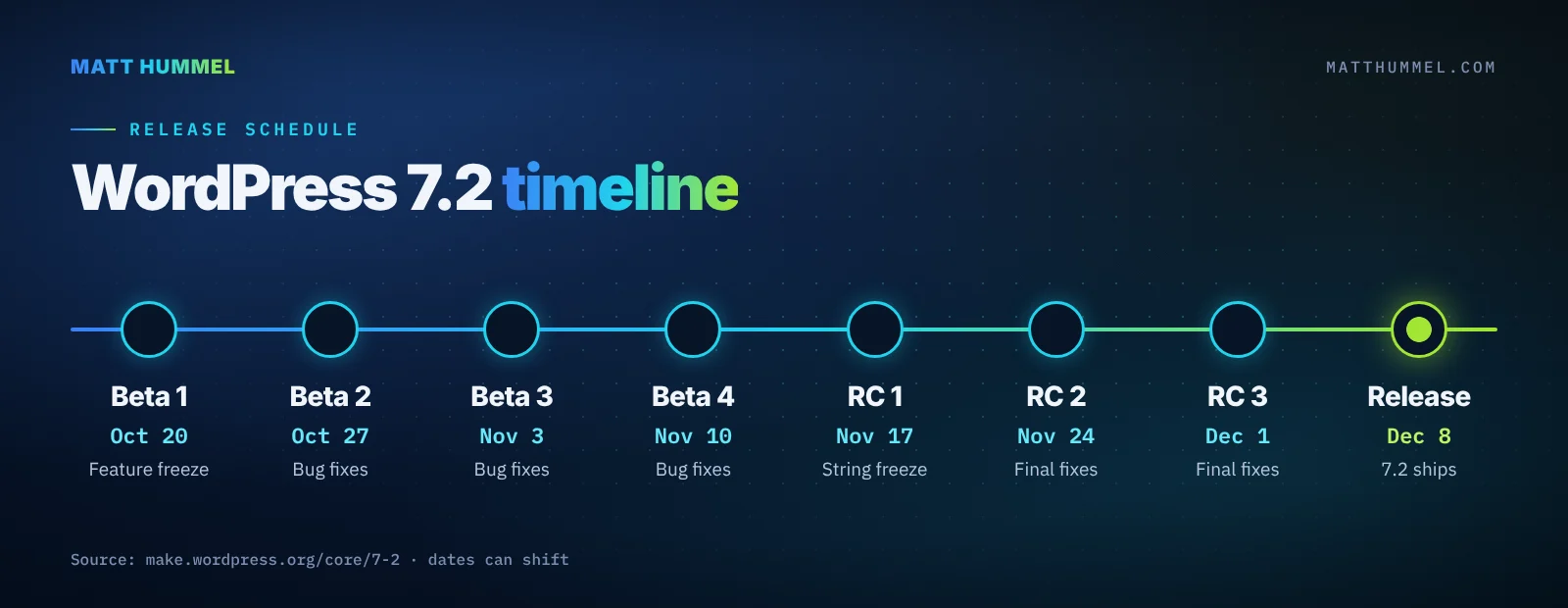
WordPress 7.2 is set for December 8, 2026, per the official 7.2 release page. An earlier call for volunteers gave a December 8 to 10 window, so a day of slip wouldn’t be a surprise.
| Milestone | Date | What happens |
|---|---|---|
| Beta 1 | October 20, 2026 | Feature freeze. Testing starts. |
| Beta 2 | October 27, 2026 | Bug fixes |
| Beta 3 | November 3, 2026 | Bug fixes |
| Beta 4 | November 10, 2026 | Bug fixes |
| RC 1 | November 17, 2026 | Field Guide out, hard string freeze |
| RC 2 | November 24, 2026 | Final fixes |
| RC 3 | December 1, 2026 | Final fixes |
| Dry run | December 7, 2026 | 24-hour code freeze |
| Release | December 8, 2026 | WordPress 7.2 ships |
Matt Mullenweg is the release lead. David Baumwald runs release coordination, and George Mamadashvili and Peter Wilson are the tech leads.
What’s new in WordPress 7.2
The Roadmap to 7.2 is long. These are the parts I think site owners and developers will notice most.
Ipsum, the new default theme
Ipsum is a minimal, blank-canvas theme for blogs. It’s the first default theme in years without a year in its name. If you start new sites from the default theme, expect a plainer starting point than Twenty Twenty-Five.
Notes get suggestion mode and reactions
Notes are the block-level comments editors leave on a draft. The plan is to let editors propose changes that the author accepts or rejects, like tracked changes in a word processor. Emoji reactions and a toolbar shortcut for adding a note are planned too.
Suggestion mode is a big set of changes still in review. The smaller Notes updates could ship without it.
A Secrets API and safer application passwords
An application password is a separate password an app or script uses to reach your site’s REST API. The new release plans to email you when one is added to your account. That’s a good tripwire if an account ever gets taken over.
The Secrets API gives core a standard place to store credentials like API keys. Today every plugin stores keys its own way, often in plain options. WP-CLI support comes first, and a settings screen is planned for 7.3.
Watch this one: a “sudo mode” that asks for your password again before risky admin actions is on the list. It has no public proposal yet, so it may slip to 7.3.
Form styling and inherited styles in the Site Editor
Global Styles is the Site Editor panel that sets colors, type, and spacing for the whole site. This release adds a UI there for styling buttons, text inputs, selects, and labels, including hover and focus states. That’s CSS I write by hand on almost every theme I build.
Block settings may also start showing the value a block inherits from Global Styles, with a way to reset an override. That design is still open, so it may change.
New and updated blocks
- Description List: a block for
<dl>,<dt>, and<dd>markup. Handy for glossaries, spec sheets, and room details on an inn site. - Table of Contents: moves to server-side rendering and is set to become stable. I covered the background in the Table of Contents block coming to core.
- Icon block: search icons by keyword, not just by label.
- Interactivity API: a new
data-wp-htmldirective for rendering trusted markup, plus router fixes.
Admin, accessibility, and performance
- Clearer error messages with a copy button, so a client can paste the exact error to you.
- Admin notices that screen readers announce properly and that you can dismiss with the keyboard.
- Automated accessibility checks with axe-core in core’s test suite.
- An “On This Day” dashboard widget that brings back old posts. It was pulled from 7.1 and is getting another try.
- Script and style concatenation in the admin gets replaced with prefetching.
AI work, mostly in the AI plugin
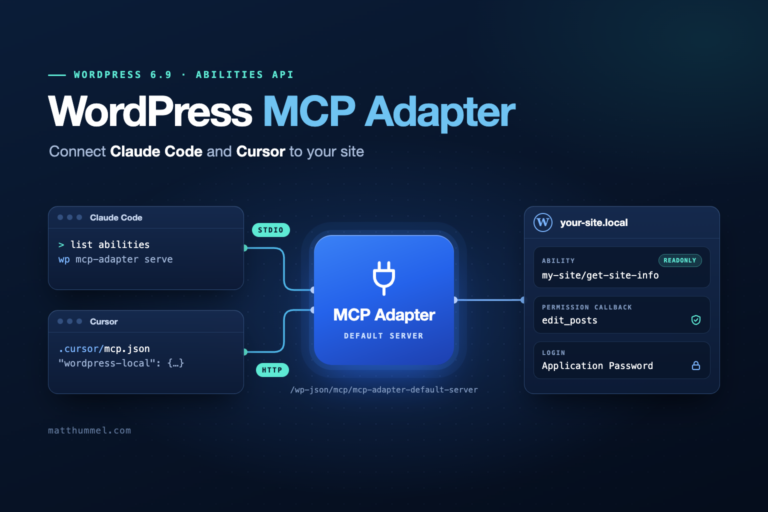
Most AI work for this cycle lives in the official AI plugin, not in core. The plan adds read-only abilities for media, taxonomies, and comments, and puts the MCP Adapter in the Plugin Directory. MCP (Model Context Protocol) is the standard that lets tools like Claude Code talk to your site.
Want to try this side now? Start with my posts on the WordPress Abilities API and the WordPress MCP Adapter.
What WordPress 7.2 means for you
The same release lands differently depending on what you do with WordPress. Here’s where I’d look first.
Site owners
Watch for the email about new application passwords. If you get one you didn’t expect, change your password and remove it from your profile.
Theme developers
Check how the new form styles in Global Styles mix with your own button and input CSS. Watch for specificity fights in theme.json.
Agencies
Plan staging tests during the RC weeks, and tell editors about Notes suggestion mode before they find it on their own.
What’s not coming in WordPress 7.2
- Real-time collaboration: left out and being reworked.
- React 19: work is far along, but the roadmap says it’s unlikely to fully land.
- Secrets settings screen: planned for 7.3.
- Extensible Site Editor: groundwork continues through 7.3.
How to test WordPress 7.2 before release
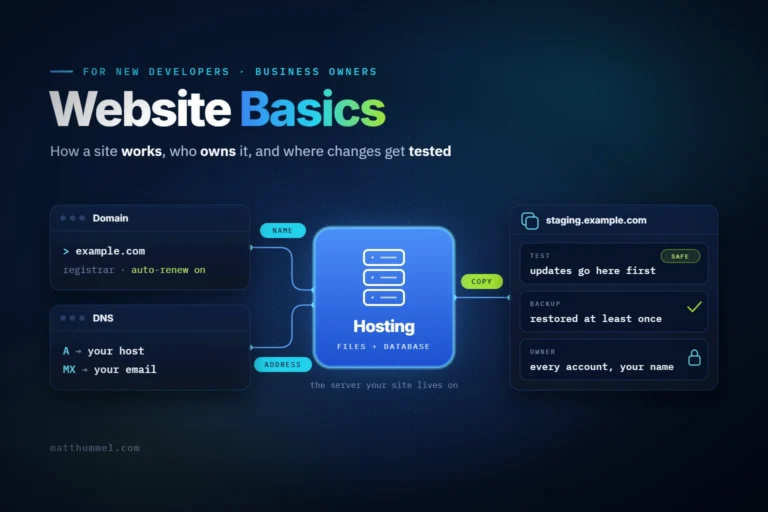
Test on a staging copy, never on a live site. Here’s the order I’d go in.
- Make a staging copy of the site and take a fresh backup.
- Install the WordPress Beta Tester plugin. Go to Tools → Beta Testing, pick the bleeding edge channel and the beta/RC stream, then update from Dashboard → Updates.
- Or use WP-CLI on staging:
wp core update --version=7.2-beta1 - Click through your forms, custom blocks, and any admin screens your plugins add.
- Check buttons and inputs on the front end, since the new form styling touches them.
- Report bugs on Core Trac or in the Gutenberg GitHub repo.
What I’m testing first on Beta 1
I’ve been building WordPress sites for 17 years, and I still treat every major release the same way. It goes on a staging copy of my own site first, then on client themes, and only then on anything a client pays for. If you’re curious, here’s how I got into WordPress.
For 7.2, that means three spots.
- This site’s AI setup. matthummel.com runs the official AI plugin with the Anthropic, Google, and OpenAI providers. The connector and abilities changes land right on top of that, so it’s my first check.
- My themes’ form styles. I style buttons and inputs with Tailwind in my own themes, like Acreline and Cobble & Candle. I want to see whether the new Global Styles form controls fight with that CSS.
- The Table of Contents block. I’ve written about it before, and the move to server-side rendering could change its markup.
I’ll add what I find to this post after each beta, including anything that breaks.
Should you update to WordPress 7.2 on release day?
It depends on what the site does and who fixes it if something breaks. Whichever row you’re in, take a full backup first, as the official Updating WordPress guide recommends.
| Your site | When to update | Why |
|---|---|---|
| Personal blog, few plugins | Release week | Low risk, and a backup covers you |
| Business site you manage | After testing on staging | Forms and checkout are where updates break things |
| Client sites | After the first point release | Plugins have time to ship fixes |
| Any site, security release | Right away | Security fixes close known holes |
That last row matters. Minor security releases, like the WordPress 7.1.3 security release, should go out fast on every site.
WordPress 7.2 FAQ
What is the WordPress 7.2 release date?
December 8, 2026. The date can move if a release candidate turns up a serious bug, so check the release page in early December.
What is the new default theme?
It’s called Ipsum. It’s a minimal blogging theme built as a blank canvas, and it drops the year-based naming of the Twenty-something themes.
Does this release include real-time collaboration?
No. Real-time co-editing is off the roadmap and is being redesigned. Notes and suggestion mode are the collaboration features planned for this release.
Is AI built into core in this release?
Mostly not. The AI work for this cycle happens in the official AI plugin. Some of it may move into core later, but the roadmap doesn’t promise it now.
Will my plugins break?
Most won’t. The risk is highest for plugins that touch admin scripts, form styles, or application passwords. Test those on staging during the betas.
Need a hand getting ready?
I can test your site against the betas before December, or help your agency with update testing as overflow work.

Comments
No comments yet. ASCII, code, and plain punctuation are welcome.