
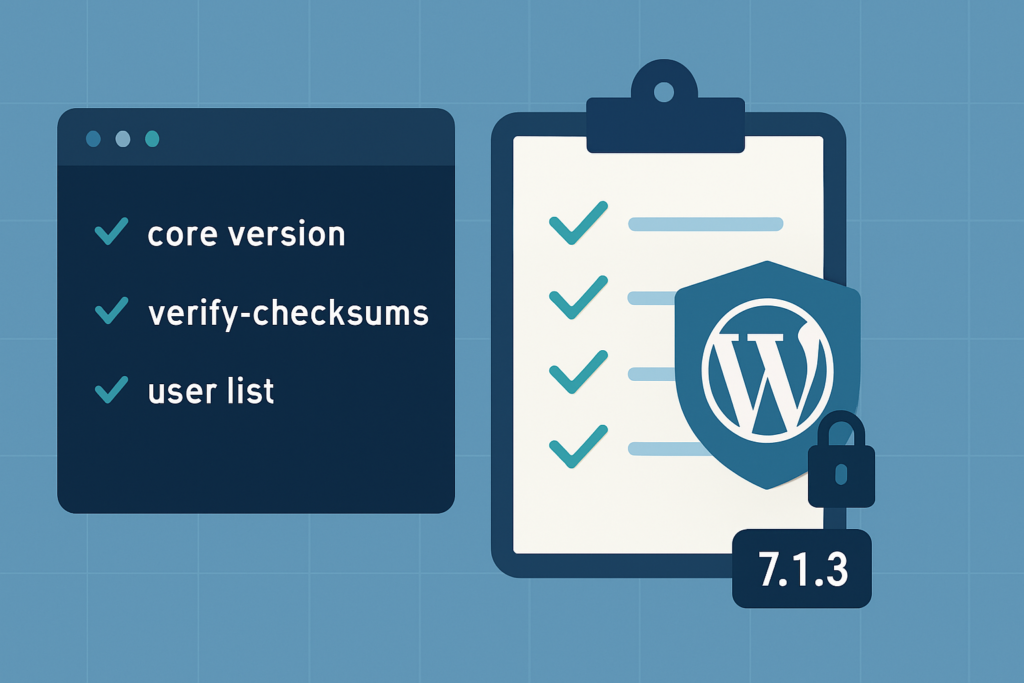
WordPress 7.1.3 released on Tuesday, 10/6/2026. This recent update from 7.1 closes seven security holes and fixes four bugs. There are no new features in it. Below you’ll find what each change does, why it was needed, and which sites it matters for.
What’s included in WordPress 7.1.3
- Release date: 10/6/2026
- Update kind: fixes only, nothing new to learn
- Contains: seven security patches plus four smaller bug fixes
- Urgency: WordPress.org advises installing it now
- Auto-updates: if your site installs minor versions on its own, it may already be on 7.1.3
- Older versions: patches are going out for older releases too, though WordPress only fully supports the newest one
The seven security fixes
The official notes give one line for each of these. Here’s what they mean in plain terms.
1. Script injection on the Comments screen
This was an XSS (cross-site scripting) flaw on the admin Comments page. With this type, bad code is saved into the site’s data and then runs in the browser of the next person who opens it. A comment still sitting in the moderation queue was enough to carry it.
Who it affects: sites that accept comments, and the people who moderate them.
2. A way to overload the site through URL handling
WP_Http::make_absolute_url() is the WordPress function that takes a partial link and builds the complete web address from it. A weakness there opened the door to a denial-of-service (DoS) attack. In plain terms, someone could send input designed to keep the server busy until the site got slow or stopped answering.
Who it affects: this is core code, not a setting, so updating is the fix.
3. SQL injection in the export tool
Tools > Export creates a WXR file, which is what you use to copy content from one WordPress site to another. The bug was an SQL injection of the delayed, or “second-order,” kind. Something saved in the database earlier could get pulled into a query later without being cleaned up first. Now every post ID is forced to a plain whole number before the export uses it.
Who it affects: sites where people use the export tool. It’s normally an administrator tool.
4. Authors could make posts sticky
Making a post sticky keeps it at the top of your blog page. Out of the box that is a job for editors and administrators, yet a gap allowed users with the Author role to do it as well. The REST API now confirms the user has both of the needed permissions before it will pin or unpin a post.
Who it affects: sites that give people the Author role, like multi-author blogs.
5. Comments on private and unpublished posts could be read
A visitor with no login could pull up comments left on posts that were supposed to stay hidden, like private posts or drafts. After the fix, WordPress won’t hand out comments for any post that visitor has no right to see.
Who it affects: any site with private or unpublished posts that have comments on them.
6. Imgur embeds removed
Paste a link from a supported site into the editor and WordPress shows the content in place of the bare link. Imgur was one of those sites, and its embeds had an XSS flaw. Rather than patch around it, WordPress stopped supporting Imgur embeds altogether.
Who it affects: sites that embed Imgur images. After you update, pasting an Imgur link won’t create an embed anymore. If older posts use Imgur embeds, check how they display after updating.
7. A problem with post status hooks
When a post changes status, WordPress fires an action whose name is built from the status and the post type, written as {status}_{type}. publish_post is the best-known example, and plugins use it to run code when something gets published. Someone could tamper with the pieces that make up that name, so it might line up with some other action by mistake. WordPress now only runs these hooks when both the status and the post type are ones it actually knows about.
Who it affects: mostly developers. If you have custom code hooked to actions like publish_post, it’s worth a quick test after updating.
The bug fixes
The announcement says there are four bug fixes but doesn’t name them. Based on the code that went into 7.1 between 7.1.2 and 7.1.3, these four are the ones site owners might notice.
Toolbar site icon size
Since 7.1, your site icon appears in the admin toolbar. Some themes and plugins use a CSS rule that forces images back to their natural size, and that rule won, so the icon could show up huge. WordPress now locks it at 20 by 20 pixels, and 28 by 28 on smaller screens.
ReverbNation embeds work again
ReverbNation moved its embed service, and the old address now gives a 404 error. Music embeds from ReverbNation broke as a result. WordPress has been pointed at the new address.
Some ecards removed as an embed provider
Someecards’ embed service is gone too (it also returns a 404), so WordPress no longer tries to embed links from it.
A media check that could fail on some servers
Some media code that checks for alt text stored inside an image used PHP’s DOMDocument class without first checking that it’s available. WordPress doesn’t require that library, so the code now checks before using it. This matters on servers where it isn’t installed.
What site owners should do
Install 7.1.3. From the admin, open Dashboard > Updates and click Update Now. If your site handles minor updates by itself, this one may be installed already. The same screen shows which version you have.
If you manage the site with WP-CLI, this updates core within the current branch only:
wp core update --minorIf you have a staging copy, update it first and click through the parts of the site that matter most. After the update, a few things are worth a look:
- The Comments screen, if your site takes comments
- Older posts with Imgur embeds
- Custom code or plugins that hook into actions like
publish_post
Still on an older version and not ready to move to 7.1? Patches for these issues are being made for older versions as well. Keep in mind that WordPress only fully supports its newest release.
If you skipped 7.1: what it added
WordPress 7.1, code name “Mary Lou,” was released on August 19, 2026. Since 7.1.3 is built on it, coming from 7.0 or earlier gets you these changes as well.
- The toolbar along the top of the admin now stays visible inside the editors too
- You can style a block one way on phones and another way on bigger screens, right in the editor, with no CSS
- Cropping has its own editing window with flip, rotate and free-form crop options (you still get there with the Crop button)
- Your browser handles image resizing and compression instead of the server, and newer photo formats like AVIF and HEIC are supported
- Playlist and Tabs blocks were added to the block library
Further reading (optional)
- WordPress Release Watch: what’s coming in the next major release, with a free update checklist
- The 7.1.3 announcement on WordPress.org News
- The 7.1.3 version page, which lists the files that changed
- The 7.1 announcement, plus the 7.1 Field Guide if you build themes or plugins
Need help keeping sites updated?
I look after WordPress sites for clients and agencies, and updates like this are part of that work. If your agency has more sites than time, see how WordPress agency overflow works with me, or go to the hire section.

Comments
No comments yet. ASCII, code, and plain punctuation are welcome.