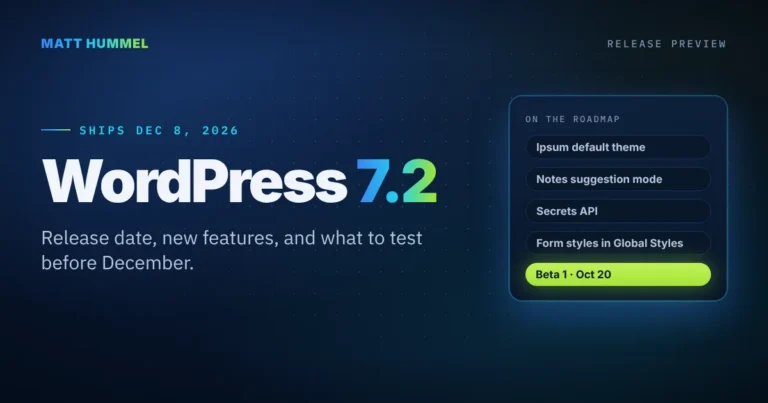
WordPress 7.2: Release Date, Features, and What to Test
WordPress 7.2 is set for December 8, 2026. See the beta schedule, the new Ipsum theme, Notes suggestion mode, the Secrets API, and how to test it.
What you get
A few a month. Unsubscribe from any email.
Sign upJournal
WordPress 7.2 is set for December 8, 2026. See the beta schedule, the new Ipsum theme, Notes suggestion mode, the Secrets API, and how to test it.
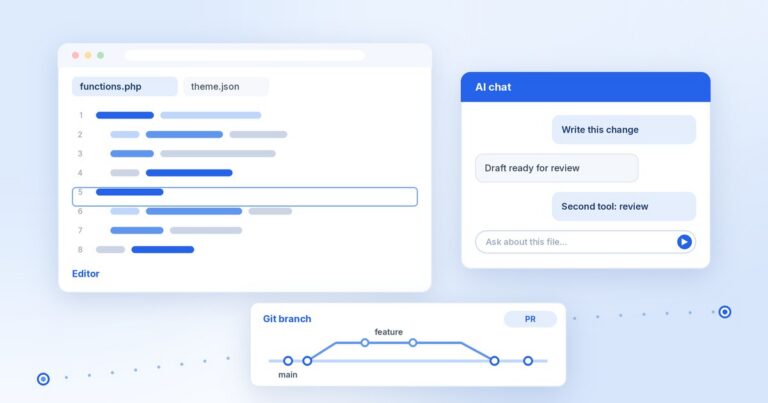
My AI workflow for WordPress development on a Mac: which AI tool writes, which one reviews, how a change moves from branch to release, and what I check.
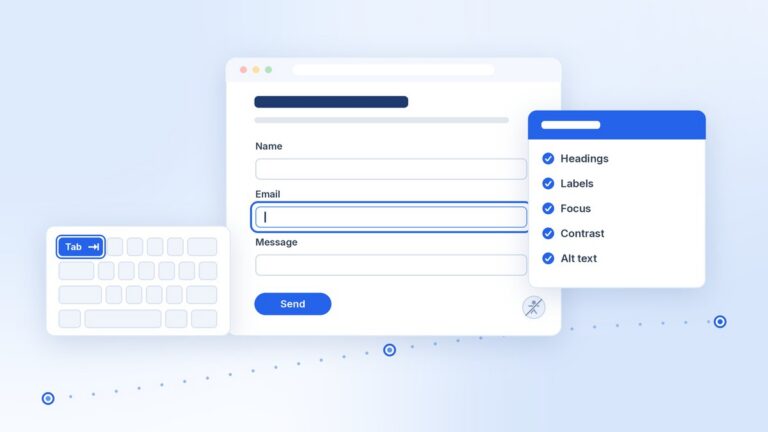
Overlay plugins can’t fix headings, labels, focus, contrast, alt text, or link text. What the FTC and DOJ said, a 30-minute keyboard and screen reader check, and where accessibility fits in a build.
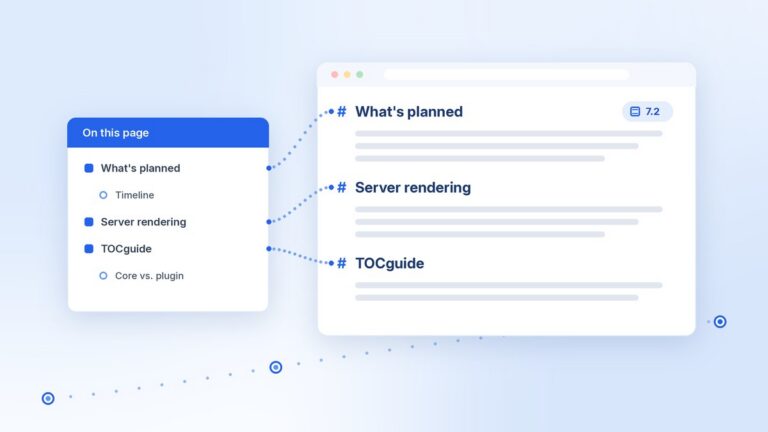
WordPress 7.2 plans a stable Table of Contents block with server-side rendering. What is planned, why saved headings went stale, and how I plan to keep TOCguide compatible.
WordPress agency overflow for shops that need a white label WordPress developer in the background: you keep the client, I move the work forward, and handoff stays editable.
Coming back to WordPress after Germanna webmaster work, Dreamweaver & ASP to PHP on WP Engine, then Power Apps—why I’m returning to WordPress.
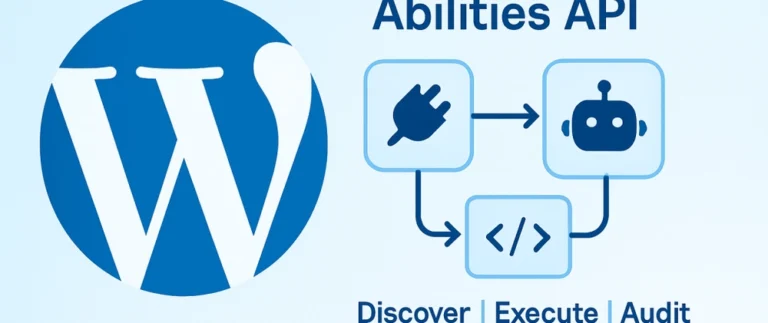
WordPress 6.9 added the Abilities API. Register a category and one ability, lock it with a permission check, then expose it to REST and AI agents.
After nearly five years of enterprise Power Platform work, I’m pivoting my content and personal projects back to modern custom WordPress development.
Copy the feed URL into Feedly, NetNewsWire, or another reader you already use. Email updates are on the Get updates page.
https://matthummel.com/feed/
Open feed