
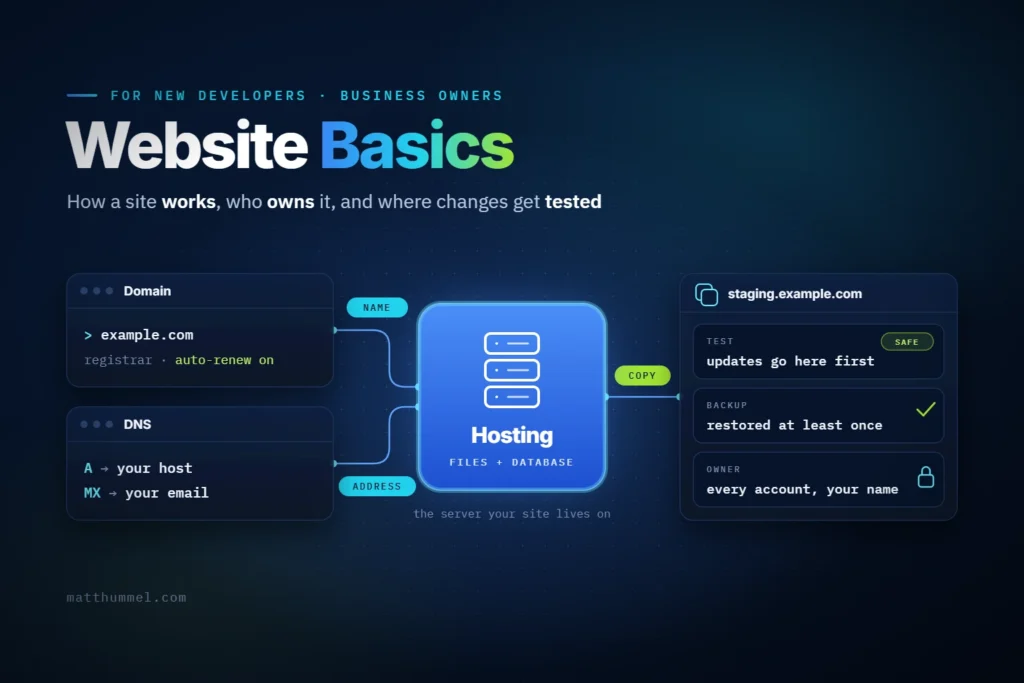
The website basics are the same whether you build sites or own one: where a site lives and how it changes without breaking. Anyone learning to build sites has to pick these up early. An owner who knows even a little of this gets more out of every developer they hire.
Website basics at a glance
- A website is files and a database on a server. People reach it through a domain name.
- Before any framework, a new developer needs HTML, CSS, JavaScript, and Git.
- Owners should have every account in their own name and know when the last backup ran.
- Test changes on a staging site, a private copy of the live one, before visitors see them. WordPress 7.2 is due in December 2026.
How does a website work?
A website is a set of files and a database on a rented computer, reached through a name you rent. Your browser asks for the name. DNS turns that name into the server’s address, and the server sends back the page. On a WordPress site, the server builds each page with PHP before it sends it.

DNS stands for Domain Name System. PHP is the programming language WordPress is written in.
Every site has the same pieces, and each piece has its own account.
| Piece | What it is | Where the account lives | Who should own it |
|---|---|---|---|
| Domain | Your address, like example.com | A registrar, the company that sells domain names | The business owner |
| DNS | The settings that point your domain at your host and your email | Your registrar, your host, or a service like Cloudflare | The business owner |
| Hosting | The server that stores your site’s files and database | A hosting company | The business owner |
| WordPress | The software that runs your site | Installed on your hosting | The owner, with an Administrator account |
| Paid themes and plugins | Add-ons with a yearly license | Each vendor’s site | The owner, or the developer with the license written down |
DNS is the piece people forget. It’s also the one that takes email down when it changes by mistake.
This table is the core of website basics. It’s worth being able to explain it from memory, whichever side of the project you’re on.
What should beginner web developers learn first?
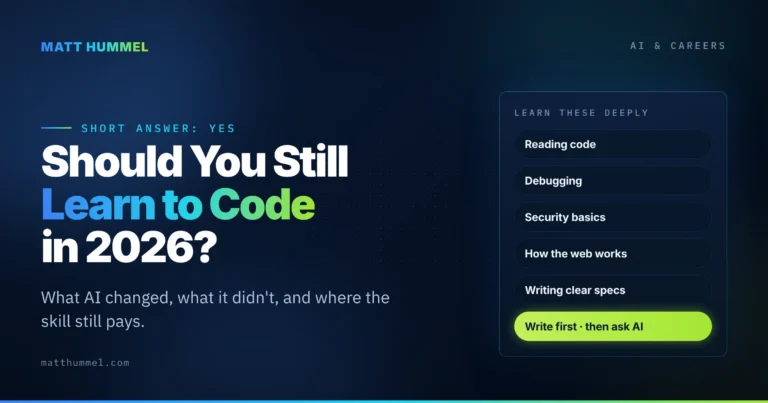
Learn the website basics every site shares before you learn a framework. That means HTML, CSS, JavaScript, Git, how a page travels from server to browser, and how to read an error. After that come the habits clients end up paying for, like security, accessibility, and speed.
I taught myself, and I wrote about it in how I became a self-taught WordPress developer. This is the order I’d follow now.
- HTML and CSS. Use the right tag for the job, and learn the box model, flexbox, and grid. Build one full page with no framework.
- JavaScript. Learn events, the DOM, and
fetchbefore React or any other library. The DOM is the browser’s live copy of your page. - How a request works. Open your browser’s developer tools and watch the Network tab. Know what a 404 and a 500 mean.
- Git. Get used to small commits and working on a branch, then put your first project on GitHub.
- Errors and docs. Read the error message before you search for it. In WordPress, turn on
WP_DEBUG_LOGon your local site and readwp-content/debug.log. - Security. Never trust input. In WordPress that means you sanitize what comes in, escape what goes out, and check a nonce and the user’s capability before you save anything. A nonce is a short-lived token (valid for about a day, not single-use) tied to the user and the action, and it proves a request came from your own form.
- Accessibility. One
h1, headings in order, alt text on images, and a page that works with the keyboard alone. The quickest test is to put the mouse away and tab through the page. - Speed. Oversized images are the usual first thing to fix. Test on a real phone, and run your pages through PageSpeed Insights.
- Talking to clients. Put the scope in writing, and be honest about what you don’t know yet.
The one thing I wish I’d learned sooner is to stop studying and start building. I spent way too much time on online courses and tutorials. Once you’ve learned something, go use it on a real project, or you’ll get stuck in a tutorial cycle that never ends.
I’d also learn a few things at a time. You don’t need to know everything at once.
What should a business owner understand about their website?
You can run a website well without writing code. For an owner, website basics mean knowing what you own and who runs the updates and backups. It also helps to know what your developer needs from you, and how to tell when something’s broken.
Own every account
Your domain, hosting, and WordPress login should be in your name, tied to an email you check. If they sit in a past developer’s name, or a relative’s, you can get locked out of your own site.
Check it in 10 minutes:
- Look up your domain at lookup.icann.org. The result names your registrar.
- Log in to the registrar. Confirm the contact email is yours and turn on auto-renew.
- Log in to your hosting account. Confirm the billing is in your name.
- Log in to WordPress and open Users. Confirm your role is Administrator.
- Save every login in a password manager.
I’ve been on the wrong side of this one. I kept a client’s domain on my own hosting account. When it came time to transfer it and hand ownership back, it turned into a mess. In the end the client lost the domain altogether. It cost them time, and it cost me a good client relationship.
If you build sites, don’t keep a client’s domain or hosting in your own account. Have them own it and add you as a user, never a shared password. When the job ends, they remove that user and nothing else changes.
Updates and backups are routine
WordPress, your theme, and your plugins all get updates, and many of them fix security holes. Someone has to run them, so agree on who that is.
A backup is a full copy of your files and database, kept somewhere other than your server. Ask two questions: when was the last backup, and has anyone ever restored one?
Your developer needs things from you
Projects often stall in the first week because the developer is waiting on something. Bring this list to the first meeting:
- Logins, or your own user account, for the domain, hosting, and WordPress.
- The main thing you want a visitor to do: call, book, buy, or fill out a form.
- Your logo files, photos, and the words for each page. If you need the words written, say so early, because it changes the quote.
- Two or three sites you like, with a note on what you like about each.
- A deadline and a budget range.
- One person who makes the final call. Feedback from five people with no tiebreaker stalls a project.
Most of the time, what’s missing is the content: photos, logos, and the words for the pages. Always get that collected in one place before the project starts.
If you’re on the other side of that meeting, this list makes a good intake form to send ahead of the first call.
Check that your site still works
Once a month, send yourself a message through your own contact form. Then open the site on your phone and run the home page through PageSpeed Insights.
A broken contact form can sit for weeks before anyone notices.
What is a staging site, and why does it matter?
A staging site is a private copy of your website where changes get tested before visitors see them. Updates, new plugins, and design changes go there first. If something breaks, it breaks on the copy. Ask any developer you hire where they test changes. If they say “on the live site,” I’d keep looking.
This part applies whether you build the site or own it.
Why it matters this fall
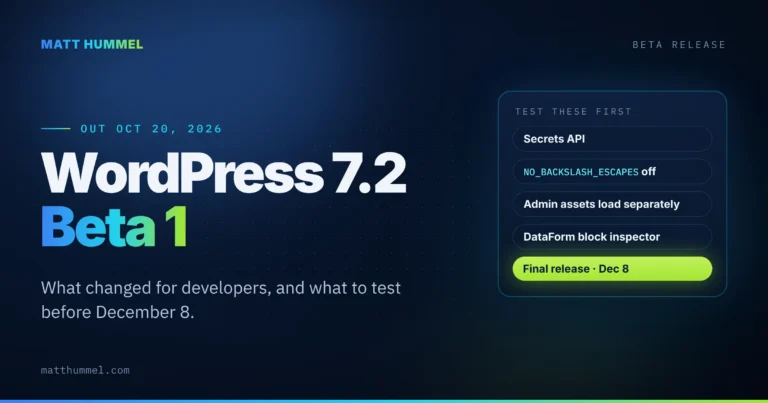
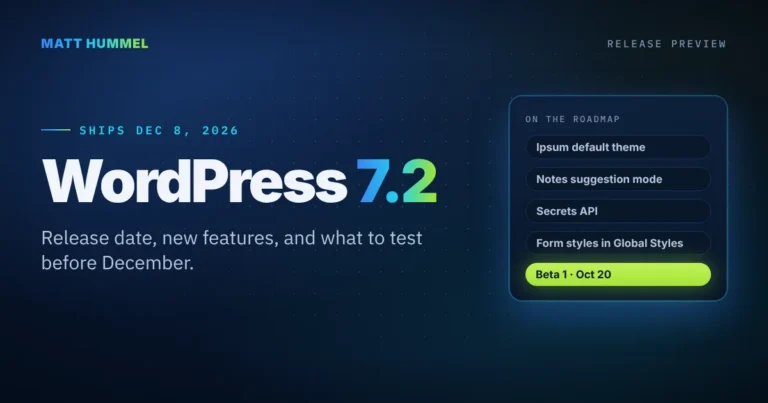
WordPress 7.2 is the next major release. Beta 1 is scheduled for October 20 to 22, 2026, and the final release for December 8 to 10, according to the WordPress Developer Blog.
Security releases don’t follow that calendar. WordPress 7.0.2 shipped in July 2026 with a note to update right away. I covered a later one in what’s new in WordPress 7.1.3.
With a staging site, you can apply an update like that the same day and know your contact form still works.
How to get one
Many hosts include staging in their plans. Ask your host, or check your hosting dashboard for a button labeled Staging. If your host doesn’t offer it, your developer can set one up on a subdomain like staging.example.com.
What a safe update looks like
- Back up the live site.
- Copy the live site to staging.
- Run the updates on staging.
- Check the pages that make you money: home, contact form, booking, checkout.
- Run the same updates on the live site.
- Check those pages again.
I learned how much step 1 matters when I managed the website at Germanna. The backups got messed up, and users lost content edits they had already made. That’s why the backup comes first on this list, and why it’s worth restoring one now and then to prove it works.
For developers: tell WordPress it’s on staging
Set the environment type in wp-config.php on the staging copy only:
// wp-config.php on the staging copy only.
// Place this above the "That's all, stop editing!" line.
// Allowed values: local, development, staging, production.
define( 'WP_ENVIRONMENT_TYPE', 'staging' );
Then check it in your theme or plugin before you load anything that belongs on the live site only:
/**
 * Print the analytics tag on the live site only.
 *
 * @return void
 */
function mh_print_analytics_tag() {
	// Returns 'production' when WP_ENVIRONMENT_TYPE is unset or invalid.
	if ( 'production' !== wp_get_environment_type() ) {
		return;
	}

	// Your analytics snippet goes here.
}
add_action( 'wp_head', 'mh_print_analytics_tag' );
The first block labels the copy as staging. The second one skips your analytics tag anywhere the label isn’t production, so test visits stay out of your reports.
One catch: a site with no label counts as production. Set local on your own machine too, or your test visits will show up in your reports.
wp_get_environment_type() has been in WordPress since 5.5.0. Also check Settings > Reading on staging and tick the box that asks search engines not to index the site.
I tested both snippets on the current WordPress release and current PHP versions as of October 2026.
FAQ
Should a beginner learn React or WordPress first?
Learn HTML, CSS, and plain JavaScript first. Both React and WordPress sit on top of them. After that, pick the one that matches the work you want. For small business sites, I’d start with WordPress.
Can my web developer own my domain or hosting for me?
They can manage both, but the accounts should stay in your name. Give your developer their own user, and if you part ways you remove that one user and keep everything else.
Do I need a staging site for a small website?
Yes, if the site brings in bookings, sales, or leads. If the contact form breaks after an update, you may not find out for days. A five-page site with no forms can get by with a good backup.
What if I can’t find my logins?
Start at lookup.icann.org to find your registrar. Then use the password reset on each account. If the reset email goes to an address you can’t reach, contact the company’s support and be ready to prove who you are.
Should I turn on automatic updates in WordPress?
Keep them on for minor releases. WordPress turns those on by default, and they carry security fixes. For major releases like 7.2, and for plugins your site depends on, I’d test on staging first. To see what’s coming in the next major release before it lands, check my WordPress Release Watch.
Your next step
If you’re learning, pick one of the website basics from the developer list that you can’t explain yet and build something small with it this week.
For owners, the 10-minute ownership check is the place to start.
Stuck on either one? Send me a note and tell me where you are.

Comments
No comments yet. ASCII, code, and plain punctuation are welcome.