
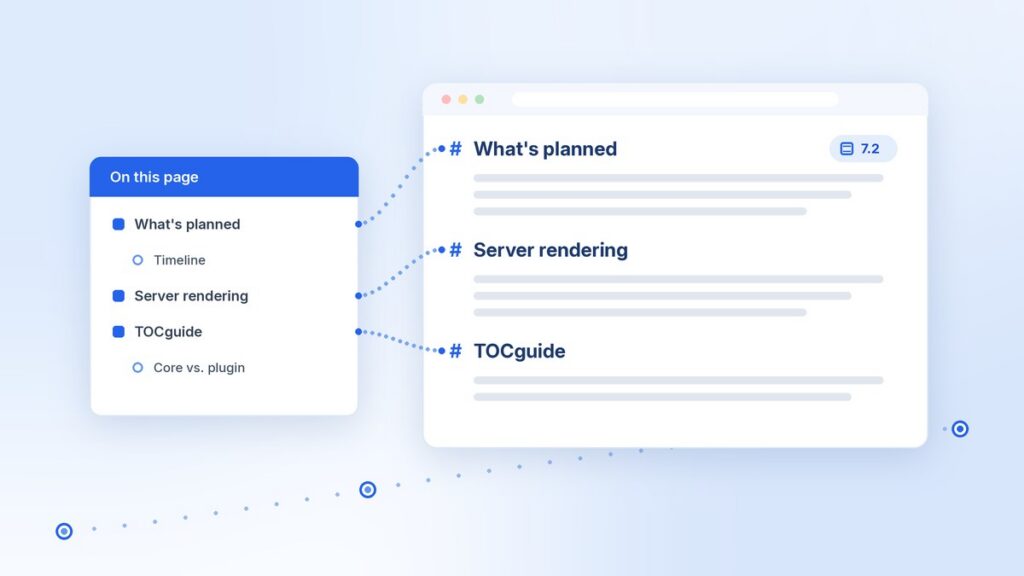
WordPress 7.2 is planned to include a stable WordPress table of contents block in core. I maintain TOCguide, a table of contents plugin on WordPress.org, so I read the roadmap, the Gutenberg tracking issue, and the two pull requests behind the change. This post is my summary of what is planned, why core is moving to server rendering, and what I plan to do with my plugin.
Roadmap items are plans, not promises. The 7.2 roadmap says so directly: the work it lists is being pursued, but each item may not make the final release. I use the word planned throughout this post for that reason.
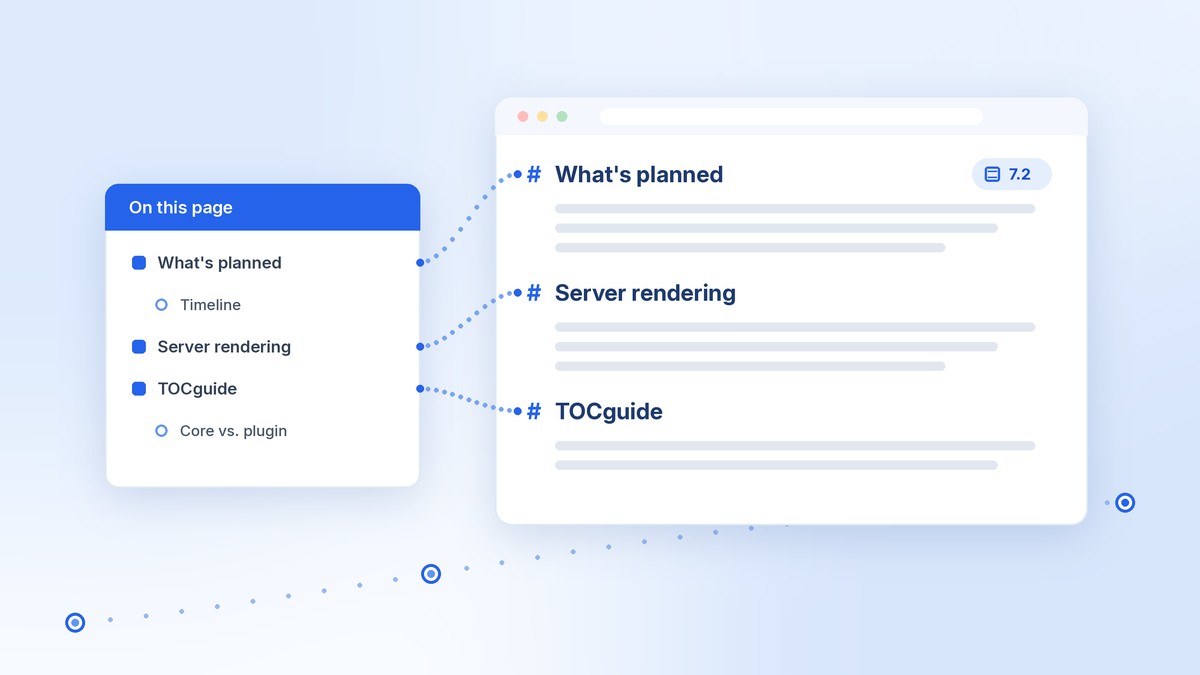
What is planned for the WordPress table of contents block in 7.2
The Roadmap to 7.2 post on Make WordPress Core lists the Table of Contents block under Blocks & APIs. The plan is to take the long-experimental block stable by moving it to server-side dynamic rendering, so the editor and the front end share one source of truth for headings.
The WordPress table of contents block itself is not new. It first shipped as an experimental block in Gutenberg 13.3, and the tracking issue to stabilize it was opened in July 2022. It was considered for several releases and moved back each time, mostly because of the same questions about templates, anchors, and how headings should be found.
The 7.2 timeline
These dates come from the WordPress 7.2 release schedule on Make WordPress Core:
- Beta 1: October 20–22, 2026
- Release Candidate 1: November 17–19, 2026
- Final release: December 8–10, 2026, with Wednesday, December 9 proposed as the target date
All of those dates can change. If the WordPress table of contents block is not ready in time, it could move to a later release, as it has before.
What has already merged
The Gutenberg tracking issue, #42229, breaks the work on the WordPress table of contents block into smaller pieces. As of the latest update on the issue in September 2026, these parts had merged:
- Style settings for color, typography, list style, and dimensions
- Heading level filtering, so a long page can show only its main sections
- Server rendering from the current post’s headings (PR #80318)
- No more saved static markup for the block (PR #80404)
- An
aria-labelon the wrappingnavelement, from earlier work
Still open at that point: a shared heading resolver class on the server, correct behavior when the block sits in a template, headings from synced patterns and template parts, support for heading blocks from themes and plugins, a filter for the results, and a decision on how the editor preview should get its headings.
Why the WordPress table of contents block now renders on the server
The experimental block used to build its list in the editor and save that list into the post as static HTML. That works until the headings change somewhere other than the editor.
PR #80318 states the problem plainly: saved heading data can become stale when content changes outside the editor. Here are a few everyday cases where that happens:
- A heading is edited through the REST API, WP-CLI, or a search-and-replace tool.
- The block is placed in a template, so the right headings depend on which post a visitor is viewing.
- Headings live inside a synced pattern or template part instead of the post itself.
- The editor and the front end use separate code to find headings, and the results drift apart.
With server rendering, the list is built when the page loads, from the post content as it is at that moment. A saved WordPress table of contents block can no longer show headings that were renamed or deleted after it was saved.
What PR #80318 changed
PR #80318 was merged in July 2026. It changed how the WordPress table of contents block renders on the front end: the list is now built from core Heading blocks in the current post content. It keeps ordering, the maximum heading level, current-page filtering for paginated posts, nested lists, and aria labels.
It also leaves some things out on purpose. It does not generate missing heading anchors. If a heading has no id, the entry is shown without a link. Templates, patterns, and headings from other blocks were left as follow-up work.
What PR #80404 changed
PR #80404 was merged in August 2026. It stops saving the block’s generated list into post content. The block is now stored as a self-closing block comment with only its settings, such as numbered or bulleted, maximum level, and current page only.
Existing posts that already use the WordPress table of contents block are handled carefully. Old saved markup keeps rendering on the front end until someone edits the post. When the post is opened and saved, a deprecation moves the block to the new format. That is the right call for a block that has been in the Gutenberg plugin for years.
How TOCguide handles headings today
TOCguide has worked the same basic way since version 1.0. It is a dynamic block. The saved block has no list in it, and the outline is rendered on the server each time the page loads. The current version on WordPress.org is 1.6.3.
Here is the process in short:
- The plugin parses the post with
parse_blocks()and builds one list of headings with slugs. A custom HTML anchor or an existingidon a heading always wins. - The block’s render file prints a nested list inside a
navelement, limited to the heading levels you picked. - A
render_blockfilter adds matchingidattributes to the headings withWP_HTML_Tag_Processor, so every link has a target.
The list and the heading ids come from the same map, so they can’t disagree. That is the same goal core describes as one source of truth for headings. In that sense, the planned WordPress table of contents block and TOCguide are moving toward the same design.
I wrote more about the build and release process in how I published my first WordPress.org plugin.
Where TOCguide reads headings from
Not every site is built with core blocks alone, so TOCguide reads headings from a few places:
- Core Heading blocks, including headings inside Group, Columns, Cover, and similar blocks
- Elementor and Bricks heading data from their stored post meta
- Rendered HTML for Divi, WPBakery, Beaver Builder, Oxygen, and Breakdance, used with the
shortcode - Classic content and theme templates through the same shortcode
When the core WordPress table of contents block will be enough
For a lot of sites, the WordPress table of contents block should be enough once it is stable. I expect that to be true if:
- Your posts use core Heading blocks.
- You want a plain linked outline that you style with core block settings and
theme.json. - You add the block to posts yourself, or to a template once template support lands.
- You would rather have one less plugin to keep updated.
That last point matters. Fewer plugins means fewer updates and fewer places for conflicts. If the core WordPress table of contents block covers what a site needs, I would tell a client to use it.
When a plugin like TOCguide still helps
A plugin still makes sense when a site needs something outside the planned scope of the WordPress table of contents block. Based on what TOCguide does today, that includes:
- Classic content and page builders. The core block is a block. TOCguide also has a shortcode and reads headings from several builders.
- Anchors on every heading. TOCguide adds ids to headings that don’t have them, wherever the headings come from. In core, the Heading block adds anchors in the post editor when a Table of Contents block is present, but the server render does not generate missing anchors yet.
- Sitewide auto-insert. TOCguide can add the outline to every post of a chosen type, at the top of the content or after the first heading, with a minimum heading count.
- Skipping one heading. Adding the class
no-tocortocguide-skipto a Heading block leaves it out. - Reader options. Smooth scrolling with an offset for sticky headers, a collapsible or sticky outline, scroll-spy highlighting, and focus ring styles.
- Reading Guide mode. Optional section previews, read-time estimates, and reading progress.
- Schema. Optional ItemList JSON-LD, which is off by default.
I want to be fair about this. Some of these gaps may close as core work continues. The tracking issue already lists template support and heading sources from themes and plugins. When the WordPress table of contents block changes, I will update this list.
What I plan to do with TOCguide when WordPress 7.2 lands
My plans are modest. TOCguide is a small plugin, and I would rather do a few things well than chase every change in core.
- Test against the beta. When 7.2 Beta 1 is out in late October, I will test TOCguide on a clean site and on this site, with and without the core block in the same post.
- Keep compatibility. TOCguide’s block is named
tocguide/table-of-contents, so it does not collide withcore/table-of-contents. I will check that heading ids stay stable when both blocks are on a page, and fix anything that breaks. - Update the tested-up-to version once I have tested a release candidate.
- Document when to use which. I will add a short section to the docs site and the readme FAQ that explains when the core block is enough and when TOCguide adds something.
I am not promising new features tied to 7.2. If a stable WordPress table of contents block covers what most people need, that is a good result for WordPress. TOCguide can then focus on the cases where it still helps.
If you use TOCguide now
Nothing changes for you today. Existing TOCguide blocks, the shortcode, and auto-insert keep working the same way. If you want to try the WordPress table of contents block when it lands, test it on a staging copy first. If you find a problem with TOCguide, please open an issue on GitHub.
If you run an agency and want help testing custom blocks or plugins against 7.2, that is the kind of work I take on. You can read how that works in my post on WordPress agency overflow, see how I learned this work, or reach me through the contact page.
— Matt



Comments
No comments yet. ASCII, code, and plain punctuation are welcome.