
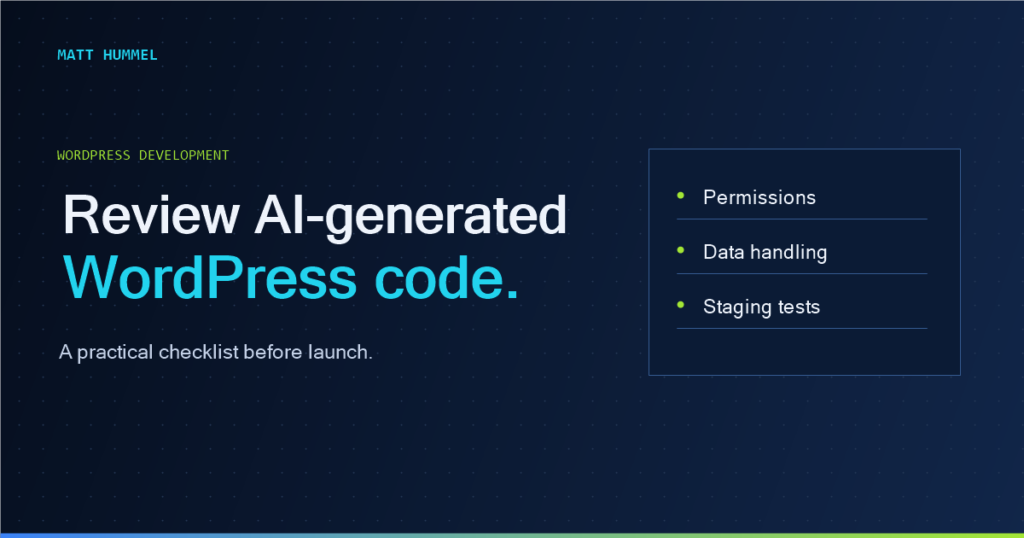
Before AI-generated WordPress code goes live, write down what it should do, who can use it and how it should fail. Review the diff against those expectations, then test the workflow on staging with the same roles people use in production. Here’s the checklist I’d use.
1. Write down the behavior before reviewing syntax
Ask what the feature is supposed to do, who can use it, where the data comes from and what should happen when something fails. If an AI-generated admin action updates a setting, test it with a user who should not have permission. If the feature sends an email, test both delivery and failure. A precise requirement catches mistakes that a style-only review won’t.
2. Check permissions and intent separately
A nonce helps verify that an action came from an expected request context; it isn’t authorization. For privileged operations, check the user’s capability with current_user_can() and verify the appropriate nonce. Don’t assume a logged-in user may edit every post or manage every option. For AJAX handlers, check the action’s authentication, nonce and capability requirements. For custom REST routes, review the permission callback and check capabilities against the specific resource. The user should never be able to choose a different record simply by changing an ID.
3. Sanitize input and escape output
Handle incoming values according to their intended type. A plain-text field might use sanitize_text_field(); an email address has its own sanitizer; URLs have their own rules. When outputting data, use context-appropriate functions such as esc_html(), esc_attr() and esc_url(). Don’t sanitize once and assume the same string is safe in every HTML context. If rich text is allowed, use a deliberate HTML allowlist. The WordPress security handbook covers validation, sanitization and escaping.
4. Review queries, hooks and dependencies
Parameterized database access matters. Check $wpdb->prepare() when query values are dynamic and prefer WordPress APIs instead of custom SQL where possible. Review hook priority and whether the callback runs on pages where it isn’t needed. Avoid loading large scripts on every front-end request for an admin-only feature. Use existing WordPress APIs before adding a new dependency to do the same job.
5. Test failure cases and accessibility
Try missing records, empty fields, malformed requests and expired nonces. Verify that errors are understandable without exposing server details. Test with keyboard navigation and a screen reader where the interface changes. WordPress code can be secure but still unusable; labels, visible focus, status messages and predictable interaction all belong in review.
6. Run tools, then read the changes
Use PHP_CodeSniffer with WordPress Coding Standards, PHP static analysis and whatever automated tests the project supports. Check the diff rather than accepting a generated replacement of an entire file. Run the feature on staging with realistic data, review logs, and keep a rollback path. Automated checks are helpful, but they don’t understand your client’s workflow unless you turn it into tests.
A tiny example: escaping a saved title
Imagine a function prints a title saved in an option. The risky version concatenates the value directly into HTML. The safer approach escapes at the output point: echo '<h2>' . esc_html( get_option( 'my_plugin_heading', '' ) ) . '</h2>';. That is only one piece of the feature; the admin update still needs its own capability and nonce checks. Keep the review attached to the complete behavior, not a single “secure” line.
Record what passed on staging
For a change that saves a setting, write down the role you tested, the expected result and what you observed. Check that the intended role can save a valid value, a lower-privilege role is denied, and invalid input leaves the saved value intact. Reload the page to confirm the setting displays correctly. Record how to revert both the code and any data changes.
| Staging check | Expected result |
|---|---|
| Editor with the right capability saves a valid value | The setting updates and stays updated after reload. |
| User without the capability tries the same workflow | The request is denied and the previous value remains. |
| Authorized editor submits an invalid value | An actionable error appears and the previous value remains. |
An example from a real WordPress product
In Cobble & Candle, the Core plugin stores restaurant information and the theme presents it. If I were reviewing a change to menu editing, I’d follow the owner workflow from the dashboard to the public menu. I’d check who can save a dish, whether the new price appears where guests expect it, and whether the previous value stays intact if saving fails. The Cobble & Candle setup guide gives you the owner’s side of that workflow.
My pre-launch code review checklist
- Can an unauthorized user trigger the action or edit someone else’s data?
- Is saved data checked before it’s accepted and escaped when displayed?
- What happens when input is empty, invalid or the service fails?
- Does the feature still work by keyboard and on a phone?
- Have I reviewed the diff and tested the actual workflow on staging?
Why this matters to clients
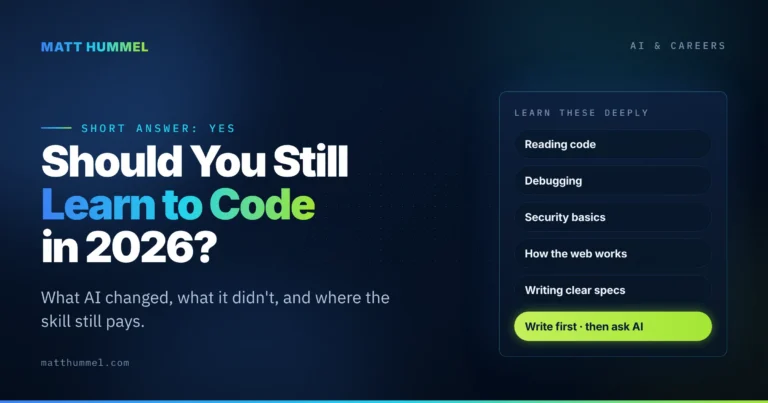
A business owner shouldn’t need to care whether a developer used an AI assistant. They should care whether the site is safe to operate, easy to maintain and properly tested. I’ve written more about my tools in my AI WordPress workflow, and about the importance of continuing to learn the fundamentals in Should you still learn to code?. AI can help with the first draft. Judgment is what gets it ready to ship.

Comments
No comments yet. ASCII, code, and plain punctuation are welcome.