
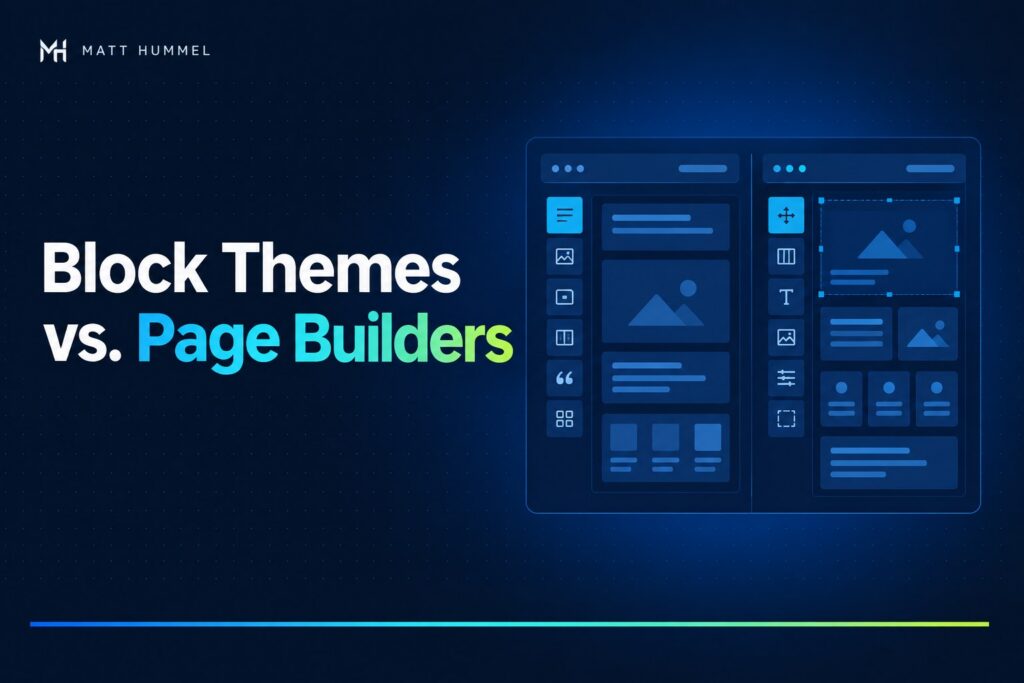
A listing price changes on Friday afternoon. Can someone on your team update it and make sure it’s right on their phone before they leave? That’s where I start when weighing WordPress block themes vs page builders.
I’m biased toward blocks. I find them easier to customize, and they give me a lean starting point without the extra scripts and styles some builders bring. I’m not against page builders. I’m comfortable using either approach, or using both when each serves a clear purpose.
My quick recommendation. Start with blocks for repeatable pages and routine staff edits. Consider a builder when your team already knows it or needs a particular layout tool or integration.
Jump to Compare the options · Speed · Handoff · Acreline preview · Staging test · Outside perspectives
WordPress block themes vs page builders at a glance
A block theme uses blocks for site-wide templates, headers, and footers through the WordPress Site Editor. A page builder such as Elementor adds its own visual editor, with layout controls and widgets.
| Decision | Block theme | Page builder |
|---|---|---|
| Daily edits | Reusable patterns and shared styles suit repeatable work. | A familiar interface can save training time. |
| Custom layouts | Customize templates, patterns, or individual blocks. | Consider it when you need a specific widget or visual control. |
| Budget and upkeep | Account for theme and plugin updates, plus any custom development. | Account for builder and add-on updates, licenses, and support. |
Blocks can work well for the journal and standard pages while a builder handles a campaign page. On a mixed site, document which editor owns each page and check where builder assets load.
Are WordPress block themes faster than page builders?
Blocks often give me less front-end code to work around. Actual speed still comes down to what the page loads, how it’s hosted, and how it behaves on a real device.
Compare like for like. Same hosting, images, fonts, and features → test both pages on mobile → inspect what each sends.
Start with Google PageSpeed Insights. Check how long the main content takes to appear and whether the layout shifts. If a page feels slow, work through my seven checks for a slow WordPress site.
How do editing and ownership change after launch?
The easier setup is the one your team can maintain. Give an editor a real task, such as changing a listing price, updating business hours, or swapping a photo. Watch where they hesitate.
| On staging | What to look for |
|---|---|
| Ask a staff member to make a routine edit | They find the right screen, preview the change, and can undo it. |
| Switch the theme or disable the builder | Check which content remains editable and which layouts or widgets need rebuilding. |
| Review licenses and integrations | Know who owns the accounts and what a future developer will need to maintain. |
Acreline preview: a real-world WordPress editing example
I’m still developing Acreline, a WordPress theme for real estate agents and small teams. The concept demo shows how visitors can filter sample listings by property type, price, acreage, and area.
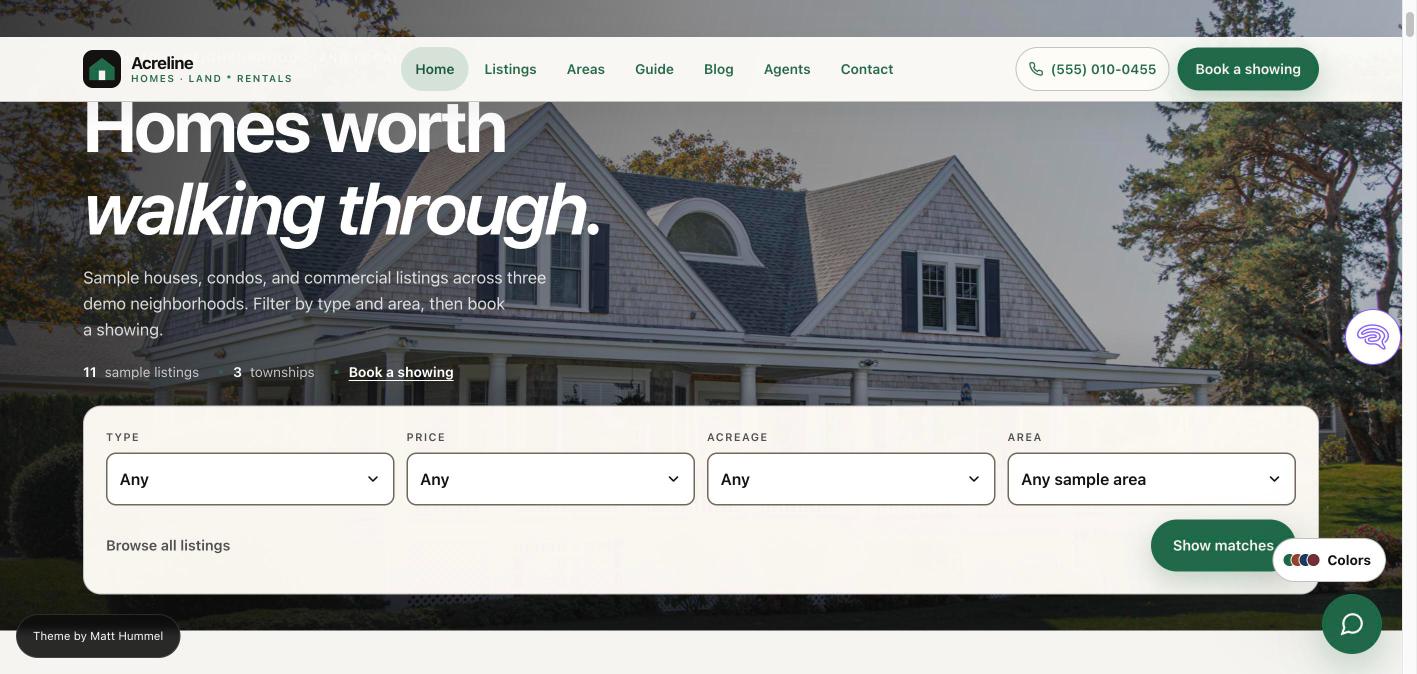
A price is information a team needs to update and reuse across the site. The same price may appear in search results, a listing card, and the property detail page. I want the team to edit it in one place while keeping those layouts consistent.
Explore the Acreline concept demo
How to choose a WordPress editor with one staging test
Try this before you commit. Change a field → preview on mobile → verify everywhere it appears → undo.
- Use a task the person maintaining the site will actually do. Give them the same task in each setup.
- Have them check the update on a phone and on every page where it matters.
- Ask them to undo it. Record where they needed help and how long each attempt took.
I’d choose the setup your team can run confidently and that covers the features the site needs. If a builder is already serving your team well, those test results may give you good reason to keep it.
Outside perspectives on Gutenberg and page builders
- Two practitioners talk through the trade-offs. Jamie Marsland interviews Kevin Geary about Gutenberg and the role of builders such as Bricks and Elementor. Watch their conversation.
- See how builders show up across the web. The HTTP Archive Web Almanac puts builder adoption and performance in the context of its broader WordPress dataset. Read the page builder analysis.
- See what a homepage audit found. TopSyde reported lighter median HTML for Gutenberg and faster median server response for Elementor in its sample of 515 homepages. The hosting vendor measured existing sites with different setups, so treat this as observational data. Read the benchmark and methodology.
Key takeaways for choosing a WordPress editor
- Start with the work your team actually does. If most updates are to prices, photos, or hours, a block theme with reusable patterns is where I’d start.
- Keep a builder when it earns its place. Familiar controls or a specific integration can make a builder worth keeping, even if you use blocks elsewhere.
- Test one real page before you commit. Have a staff member make and undo an edit on staging, check it on a phone, and measure how the page loads.
What’s working on your WordPress site?
If you’ve switched from a page builder to blocks, kept your builder, or used both, I’d like to hear what changed for the person who updates the site. Which edit got easier, and which one still takes too many steps?
If you’re weighing a rebuild or trying to make an existing site easier to edit, get in touch. Send me the page you’re working on and one edit your team struggles with. I can help you figure out what’s worth keeping and what to test first.

Comments
No comments yet. ASCII, code, and plain punctuation are welcome.