
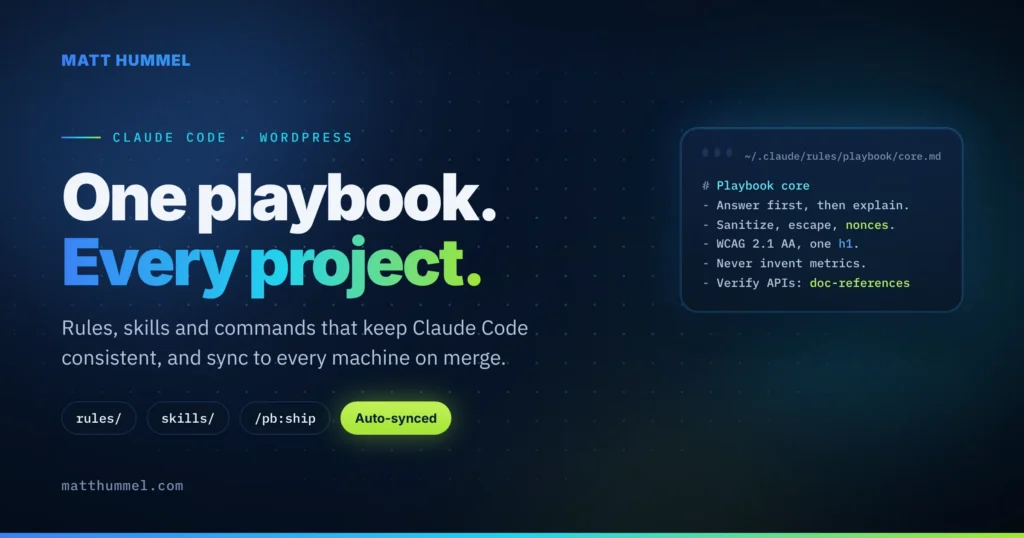
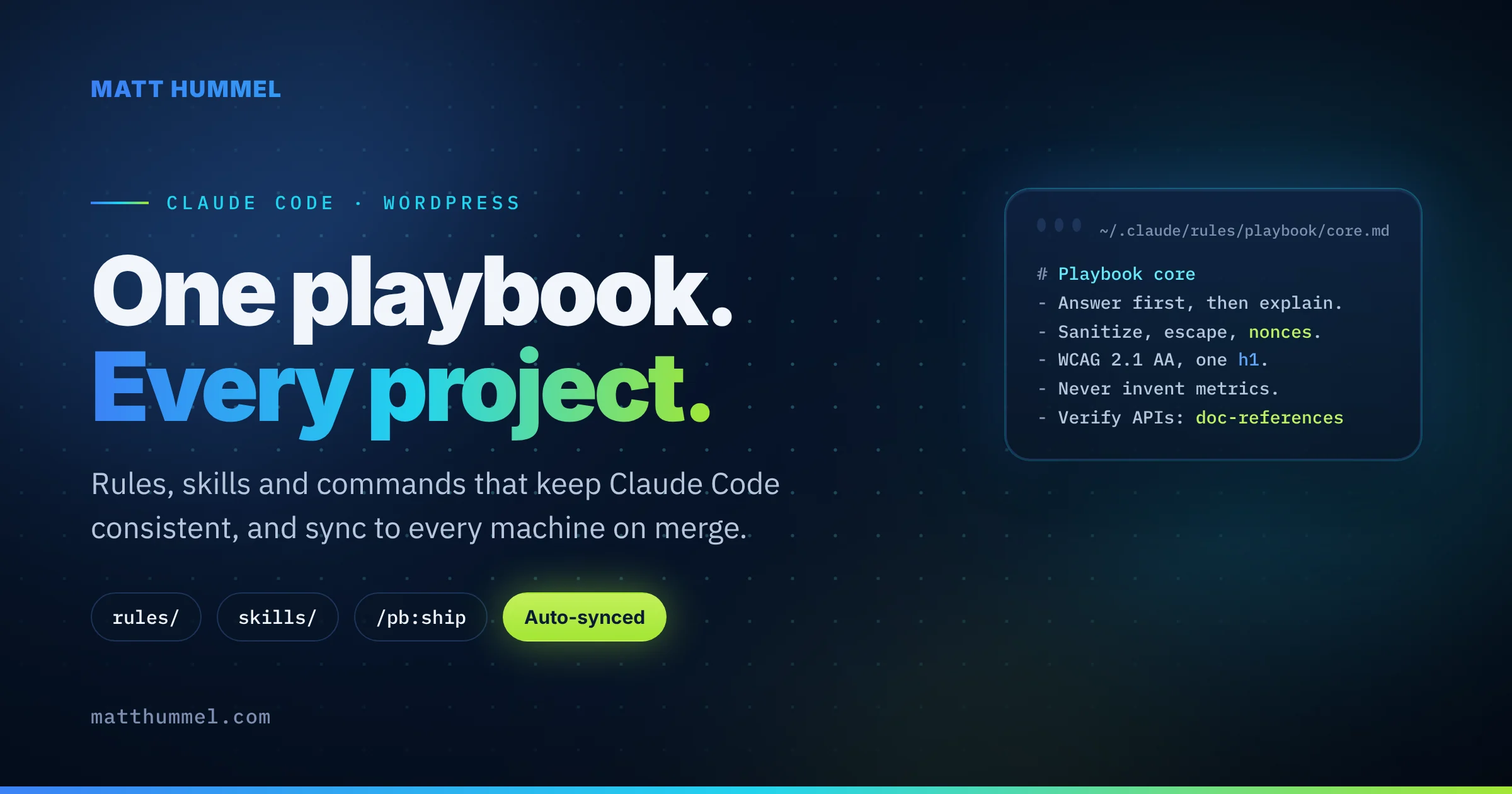
I keep my Claude Code rules for WordPress in one public GitHub repo, and every machine I use pulls it on the next session. I built it because my rules kept drifting between projects and costing tokens I didn’t need to spend. This post covers why I made the AI Dev Standards & Playbook, what’s in it, and how it changed the way I work with Claude Code.
At a glance
- One repo holds my coding standards, SEO rules, writing voice, reference docs, slash commands, a reviewer agent and a deploy kit.
- Only one rule is always on. It’s under 1 KB. Everything else loads by file path or when a skill is used.
- A SessionStart hook pulls
mainand reinstalls on every new Claude Code session, so a merge updates every machine. - It’s public and generic. Client facts stay in each project’s own
CLAUDE.md. - Repo: github.com/matthummel-pa/ai-dev-standards-playbook. Docs: matthummel-pa.github.io/ai-dev-standards-playbook.
Why did I build a Claude Code playbook?
Two problems. My rules lived inside one theme repo, so they didn’t follow me to the next client. And they were all always on, so every session paid for every line whether it needed them or not.
When I pulled the rules out of my matthummel.com theme, I had ten always-on rule files. Together they were about 60 KB, loaded into every session. Most of it was WordPress and Sage detail that only matters when I’m editing a PHP or Blade file. Claude Code loads rules at session start, so that 60 KB rode along even when I was writing a blog post.
The fix was to split by trigger. The core rule is now 0.9 KB. The rest only load when Claude touches a matching file or picks a skill. Same standards, a fraction of the context.
What tipped me over was typing the same prompts over and over. Every new session started with me pasting the same security rules, the same accessibility checks, the same “answer first” note. And every one of those prompts counted against my credits. I wanted the rules to be there already, and I wanted the always-on part as small as possible so each session cost less.
How does the playbook load into Claude Code?
Claude Code reads rules, skills and commands from ~/.claude, and a SessionStart hook can run a script before each session. The playbook uses both. install.sh copies the repo into ~/.claude once and adds the hook. From then on, every new session runs sync.sh, which does a git pull --ff-only and recopies the files. If nothing changed, it prints nothing.
Copies, not symlinks. That’s on purpose. Symlinks need Developer Mode on Windows, and Claude Code loads ~/.claude/rules/ without an approval prompt when the files are plain copies.
The one catch: rules load at session start, so a merge shows up in the session after the one that pulled it. When I want it right away, I run sync.sh by hand and restart.
| Layer | Loads | Use it for |
|---|---|---|
rules/core.md | Every session | 5 to 10 lines that are true everywhere |
Path rules (paths: in frontmatter) | When Claude reads or edits a matching file | Coding standards per file type |
Skills (SKILL.md) | Description always; body only when used | Long playbooks: writing, SEO, architecture |
Commands (/pb:…) | Only when I type them | Repeatable workflows |
Project CLAUDE.md | Every session in that repo | Project facts, commands, hard no’s |
What’s in the repo?
Eight folders. Here’s what each one does and when it loads.
Rules
core.md is the only always-on file: answer first, work on a branch, read before editing, sanitize and escape, WCAG 2.1 AA, never invent metrics, and verify versioned APIs against official docs. The WordPress rules load on *.php, theme.json and block.json. The Sage rules load on app/, resources/ and vite.config.js. The SEO rules load on Blade templates and SEO code.
Skills
A skill is a folder with a SKILL.md that Claude loads on demand. Six so far:
- doc-references: the official docs for my stack (WordPress Developer Resources, Roots, Tailwind, MDN, the WHATWG HTML spec, W3C and the ARIA APG, web.dev, caniuse, TypeScript, React, Next.js, Node, NestJS) and a rule to check them before writing code against an API I haven’t verified that session.
- content-writer: my editorial voice and readability rules for posts and site copy.
- growth-design: landing page, conversion copy and design review guidance.
- portfolio-seo: on-page limits for portfolio and service pages.
- geo-blog-post: blog structure for Google AI Overviews and LLM search.
- sage-architecture: ACF Pro fields registered in PHP, a Customizer dark-mode default, the Tailwind v4 and theme.json token bridge, and CI/CD for built themes.
Commands, agent and hook
Five slash commands, namespaced so they never shadow a project’s own: /pb:new-project, /pb:plan, /pb:fix, /pb:review and /pb:ship. The wp-reviewer agent reads a diff against the WordPress Developer Handbook before I open a pull request. A PostToolUse hook runs PHPCS on every PHP file Claude edits and sends the errors straight back, so Claude fixes them before moving on.
Project template
/pb:new-project drops a kit into a theme repo: a CLAUDE.md under 2 KB, a .claude/settings.json with safe permissions and a WebFetch allowlist for every doc site in doc-references, and a GitHub Actions workflow that builds the theme, swaps it over SSH, runs a health check and rolls back on failure.
How do I use the rules and skills?
I don’t call them. Claude Code picks them up from what I’m doing and what I type. Rules load by file path, skills load by prompt, and commands load when I type one.
- Rules watch the files. Each rule has a
paths:list in its frontmatter. When Claude reads or edits a matching file, the rule is in context. Open a.phpfile and the WordPress rules are there. Open a Blade template and the Sage and SEO rules are there. I never mention them. - Skills watch the prompt. Claude always sees each skill’s one-line description, and loads the full
SKILL.mdonly when my request matches it. If I say “draft a blog post about X,”geo-blog-postandcontent-writerload. If I say “add an ACF field for the hero,”sage-architectureloads. If I ask whatwp_insert_post()returns,doc-referencesloads and Claude fetches the handbook page. - Commands wait for me.
/pb:fix add a skip link to the headerruns the fix-and-ship workflow./pb:reviewruns the reviewer agent on the branch. Nothing happens until I type the slash.
That’s why the descriptions matter more than the bodies. A skill with a vague description never loads, and one with a sharp description loads at the right moment. When a skill isn’t firing, I fix the description, not the prompt.
How does it help me develop with Claude Code?
Consistency is the big one. Every client site gets the same security checks, the same accessibility bar and the same review before a PR, without me pasting rules into a new CLAUDE.md each time.
Fewer stale answers. The doc-references skill tells Claude to fetch the official page before writing against a hook, a Tailwind v4 feature or a Next.js API. The project settings pre-approve those domains, so the fetch never stops for a permission prompt.
Cheaper sessions. The always-on context went from about 60 KB to under 1 KB, and I stopped re-sending the same rules by hand at the start of each one. Smaller prompts, fewer credits.
One place to fix things. When Claude gets something wrong twice, I change the rule once, open a PR, and the fix is everywhere the next day. The repo’s CI checks frontmatter, the core rule’s size budget and a blocklist for private details, so I can’t merge a client host name by mistake.
What stays out of the repo?
Anything that names a client. Hosts, paths, plugin lists, logins and product catalogs live in each project’s CLAUDE.md and .claude/rules/. The playbook is public, so validate.py scans every file for patterns like application passwords, GitHub tokens and private keys and fails the build if one shows up.
Should you build your own?
If you use Claude Code on more than one repo, yes. Start smaller than I did. Put five lines in a core rule, move one long checklist into a skill, and add the sync hook. You’ll know within a week whether it’s worth growing. Anthropic’s own guide on when to use CLAUDE.md, skills, hooks and subagents is a good map of the pieces.
You’re welcome to fork mine. The standards are generic, and the docs site has a card for every rule, skill and command.
FAQ
Where do Claude Code rules live?
Personal rules live in ~/.claude/rules/ and load in every project. Project rules live in the repo’s .claude/rules/. A rule file with a paths: list in its frontmatter loads only when Claude reads or edits a matching file.
What’s the difference between a rule and a skill?
A rule is short guidance that loads on its own, either always or by path. A skill is a longer playbook Claude loads only when the task matches its description. If something is more than a few lines, it’s a skill.
Can I use this playbook with Cursor?
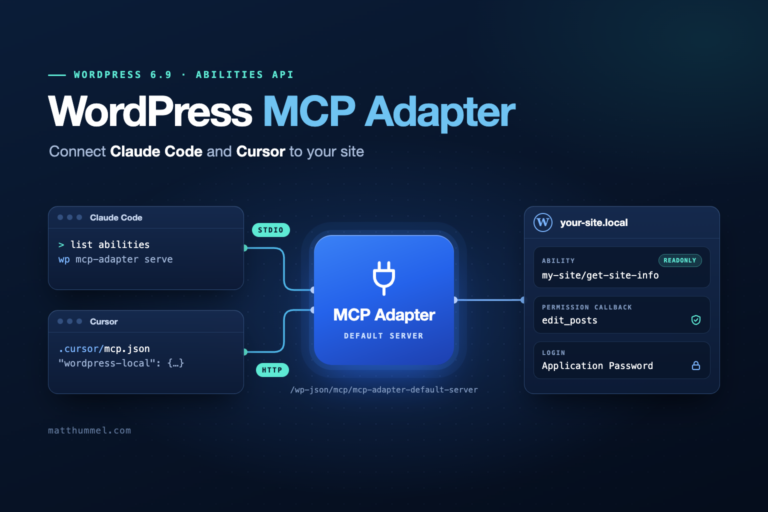
The content yes, the install no. The rules are plain Markdown, so you can copy them into .cursor/rules/. The sync hook, slash commands and subagent are Claude Code features. My WordPress MCP adapter post covers the Cursor side of my setup.
How do I update a rule?
Branch, edit, add a changelog line, open a PR. CI validates it. Merge, and every machine picks it up on its next Claude Code session.
Next step
Clone the playbook repo, run scripts/install.sh, and open a project with /pb:new-project. If you’d rather have someone set this up for your team or your WordPress site, here’s how to reach me.
Tested with Claude Code in October 2026, playbook version 1.2.1.

Comments
No comments yet. ASCII, code, and plain punctuation are welcome.