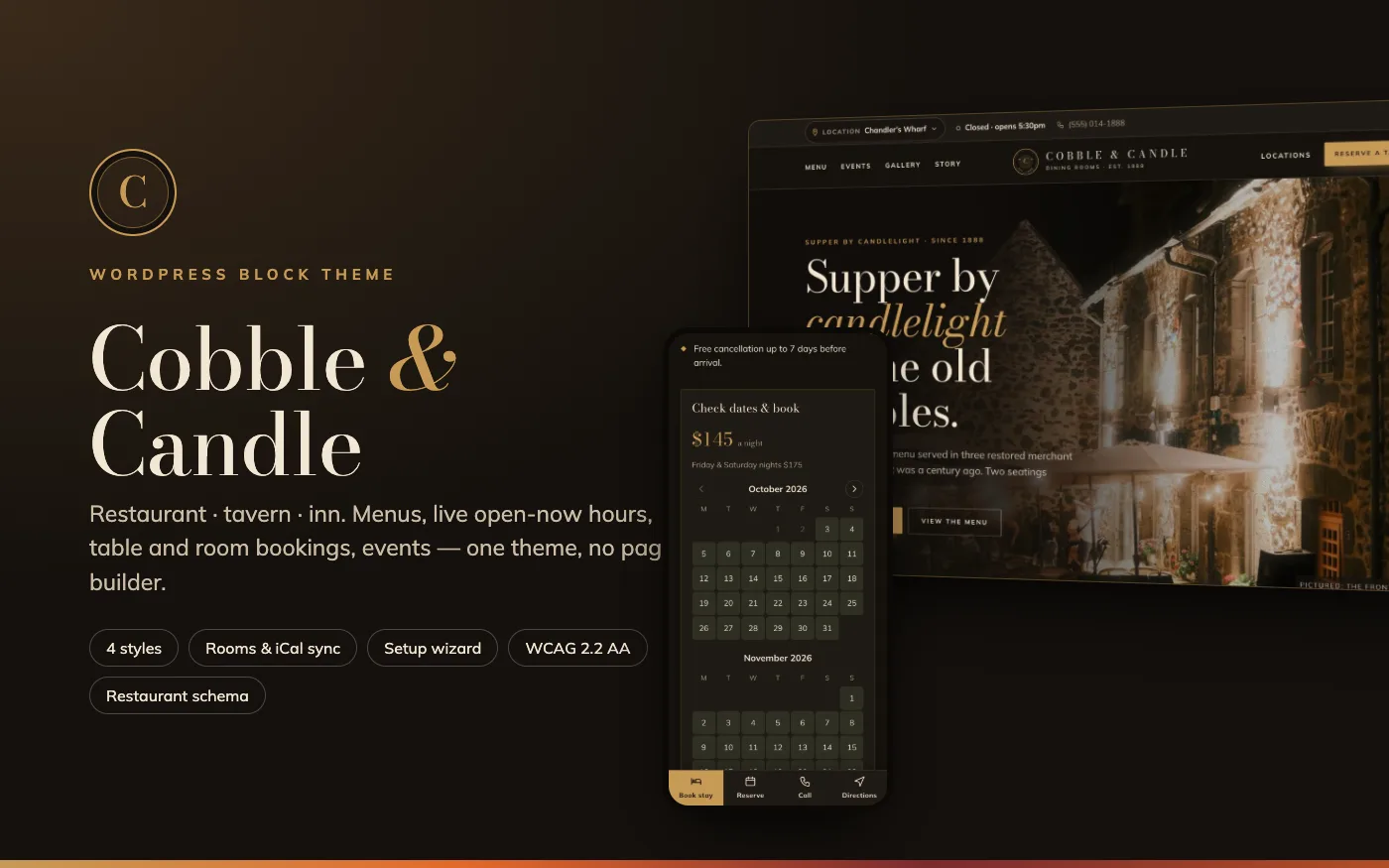
Cobble & Candle
Cobble & Candle setup guide
Install the theme, make the site yours, and check the pages guests use before you go live.
Open your customer account · View the theme and demo · Get product support
Download and install
Check your hosting
You need WordPress 6.6 or newer and PHP 8.3 or newer. Back up an existing site and use a staging copy. Check your WordPress timezone, permalinks, and outgoing email before configuring guest requests.
Download the theme ZIP
Sign in with your checkout email under Your account. Find Cobble & Candle in Downloads and keep the installable ZIP intact.
Install, activate, and connect your license
Go to Appearance → Themes → Add New Theme → Upload Theme. Choose the ZIP, install it, then activate the theme when ready. Enter the key from your receipt or account when prompted. Follow the prompts to install Cobble & Candle Core and run the setup wizard.
Prepare the guest experience
Set up your site identity
In Appearance → Editor, set your logo, navigation, typography, and colors. Review any sample content from the setup wizard.
Check menus, hours, and locations
Replace sample dishes, prices, dietary labels, hours, and images. If you have several locations, check each address, opening schedule, and phone number.
Test ordering and bookings
Open the site on a phone as a signed-out visitor. Check ordering links, table or room requests, confirmation messages, directions, and contact links. Review the booking and ordering guide for external services.
Manage updates, licenses, and billing
Update safely
Read the changelog, take a backup, and test updates on staging first. Check the menus, booking flow, and customized templates before updating production.
Move to a new domain
Back up and migrate the WordPress site. Review active sites in your account, free an old activation if needed, and activate the new domain. Test forms, links, and HTTPS after the move.
Find an invoice or update billing
Open your customer account to find invoices and manage subscriptions. If a payment failed, use the secure link in the Freemius email. See license details and the refund policy.
Troubleshoot common problems
The ZIP will not install
If WordPress reports a missing stylesheet, check that the file is the installable theme ZIP from your account. A GitHub source or documentation ZIP may have a different structure.
Your license or order is missing
Confirm you are using the email from checkout and the key for this product. In the portal, review active sites if the key is already in use. If the embedded form will not load, use the hosted Freemius link beneath it.
A guest request never arrived
Check whether the request appears in WordPress or in your external booking provider. Verify the destination address, check spam, and send another test from a signed-out browser.
Get help with the details that matter
Send your product version, WordPress and PHP versions, the exact error, and steps to reproduce it. Leave out passwords, full license keys, and card details. Contact me or browse the owner documentation.